Posted on 2026-01-31 by Matt.
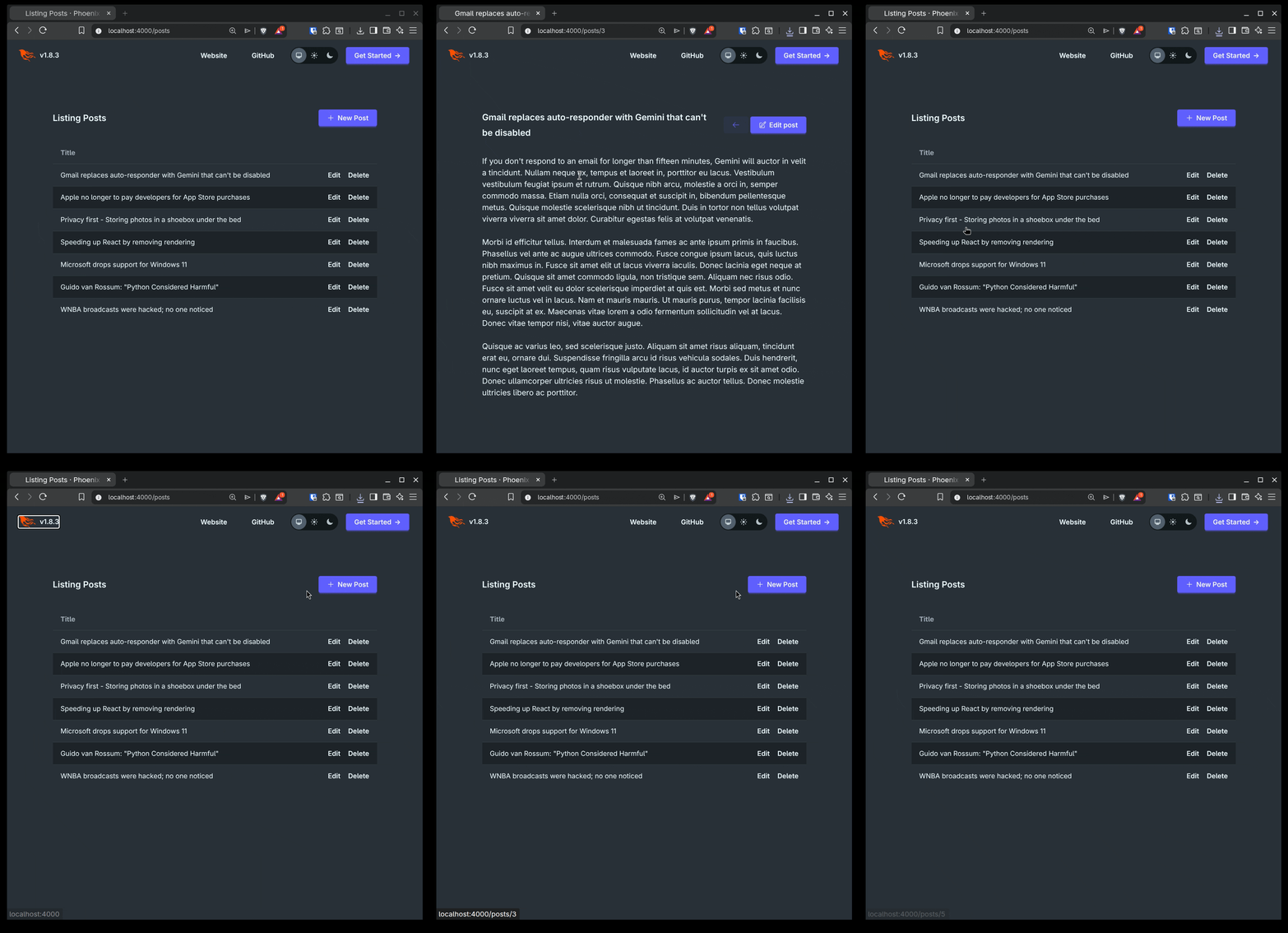
Recently, I noticed that a Phoenix app generated with mix phx.new includes one of my biggest complaints as a user of Single Page Apps.
My number one pet peeve is when looks like a link, clicking on it takes you to another page, but it isn't actually a link.
This bothers me so much because I expect to be able to Ctrl+Click / Cmd+Click on it to open it in a new tab without affecting the tab I'm on. But then I find out the hard way because my current tab navigates to the new page, even though that's exactly what I was trying to prevent.
Sometimes this is just a little frustrating because I wasn't expecting it. Other times, it makes accomplishing your original goal more difficult than it needed to be because you can't quickly open tabs for the five resources you are interested in. And sometimes this even nukes form state, search results, or other work you had in progress.
There are other aspects of this that annoy me, like not being able to right click and copy the URL, not being able to see the URL preview, and so on.
This also causes accessibility issues because the user can't actually tab to this, and even if we add a tabindex attribute, the user still can't hit Enter to follow the link.
But I'm going to be completely honest and just admit that the Ctrl+Click just annoys me.
Generally, this happens because a Single Page App, by definition, is a single page. It doesn't actually want you to navigate to another URL, so it gives you something that looks like a link, and when you click on it, it tries to do a link's job. It will update the content that's on the page as if it took you somewhere else. Sometimes, it will even update the current URL and update your history so the back button will take you back a page.
But it's still not a link, and it's kind of crazy how much re-inventing of the wheel goes on here.
When you generate new Phoenix project, it will generate a CoreComponents module for you.
The generated table component has a row_click attribute, which takes an (optional) function that will be used for the phx-click binding for each row, like so:
# lib/my_app_web/components/core_components.ex
  <td
    :for={col <- @col}
    phx-click={@row_click && @row_click.(row)}
    class={@row_click && "hover:cursor-pointer"}
  >
    ...
  </td>
My complaint comes up because of how this is normally used.
Any LiveViews generated with mix phx.gen.live will use this table component, passing a row_click that returns JS.navigate/1, like so:
# lib/my_app_web/live/post_live/index.ex
<.table
  id="posts"
  rows={@streams.posts}
  row_click={fn {_id, post} -> JS.navigate(~p"/posts/#{post}") end}
>
  ...
</.table>
This is what gets us into trouble. Instead of creating a link, we are registering an event handler that will send a navigate event.
I'm assuming this is used for two reasons.
First, to make the entire row clickable, instead of just the text.
Fair enough, I guess, but I personally don't think that's a big deal.
As a user, I only assume that I can click anywhere on the row is because the hover:cursor-pointer class is being added to the td element in the first place.
The other reason I imagine it's done like this is so that if the path that we're navigating to is part of the same live_session, LiveView will be able to mount then new LiveView without triggering a full page load.
The good news is that we don't have to give this up!
row_linkAt the end of the day, I really just want these to be links, so that's exactly what we're doing to do.
First, we're going to add a new row_link attribute to our table component.
# lib/my_app_web/components/core_components.ex

   attr :row_click, :any, default: nil, doc: "the function for handling phx-click on each row"

+  attr :row_link, :any,
+    default: nil,
+    doc: "the function for creating a navigate path for each row"
+
   attr :row_item, :any, default: &Function.identity/1,
Next, we'll update the td tag.
If a row_link is provided, we'll add a link component which will navigate to the path that the row_link function returns.
Using the link component with navigate means that we'll get the same benefits we would with JS.navigate/1 and we're actually rendering an a tag.
# lib/my_app_web/components/core_components.ex
   <td
     :for={col <- @col}
     phx-click={@row_click && @row_click.(row)}
     class={@row_click && "hover:cursor-pointer"}
   >
-    {render_slot(col, @row_item.(row))}
+    <%= if @row_link do %>
+      <.link navigate={@row_link.(row)}>
+        {render_slot(col, @row_item.(row))}
+      </.link>
+    <% else %>
+      {render_slot(col, @row_item.(row))}
+    <% end %>
   </td>
Now we just update our Index LiveView to use row_link instead of row_click.
# lib/my_app_web/live/post_live/index.ex
   <.table
     id="posts"
     rows={@streams.posts}
-    row_click={fn {_id, post} -> JS.navigate(~p"/posts/#{post}") end}
+    row_link={fn {_id, post} -> ~p"/posts/#{post}" end}
       >
The end result? We get a link that works like a link, because it is a link. We can tab to it, right click to get a context menu for a link, and most importantly, Ctrl+Click to open it in a new tab without disturbing our current tab.
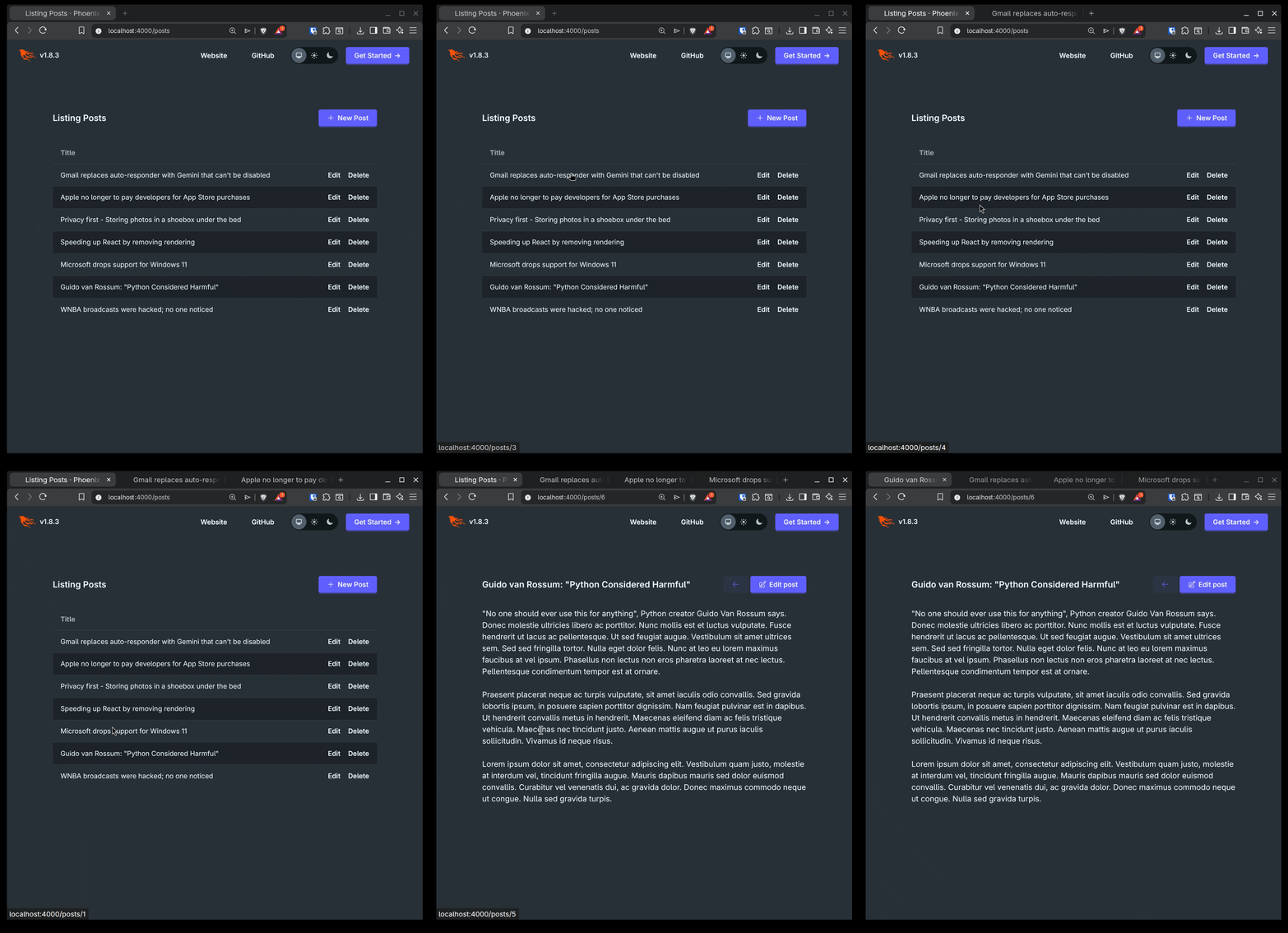
And when using the link as normal, it will still take advantage of LiveView's ability to navigate within the session without a full HTTP request.